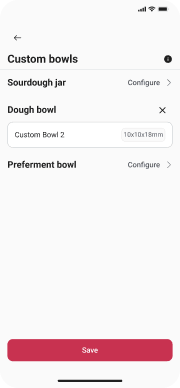
How to connect the Crustello sensor to the App?
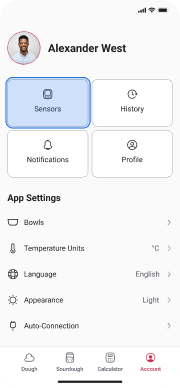
Tap “Sensors”
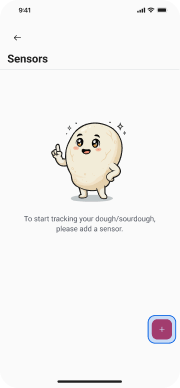
Tap “+”
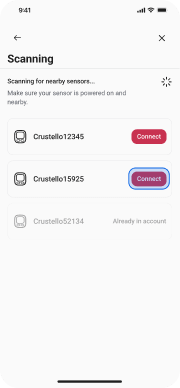
Tap “Connect”
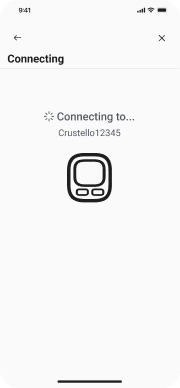
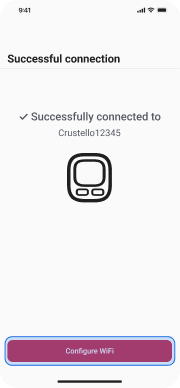
Tap “Configure WiFi”
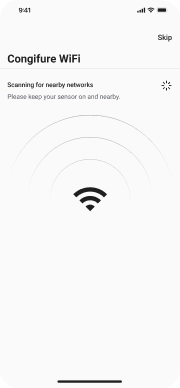
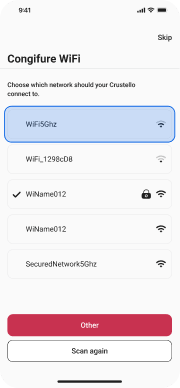
Tap on a WiFi
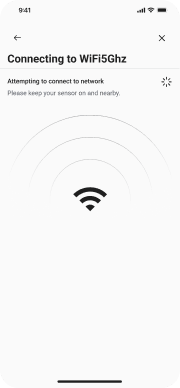
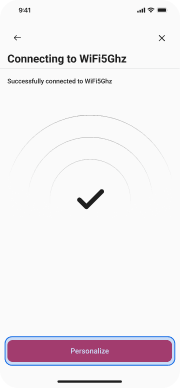
Tap “Personalize”
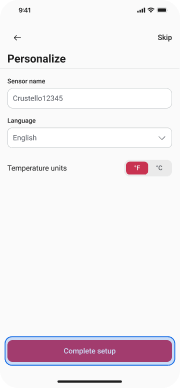
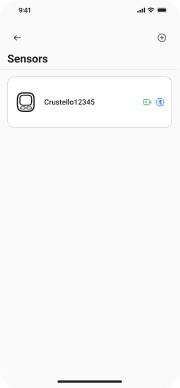
Tap “Complete setup”
How to schedule Dough?
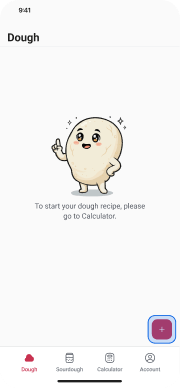
Tap “+”
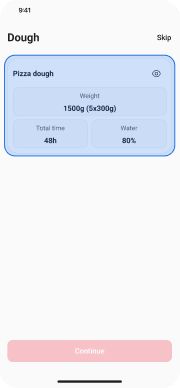
Tap on a card
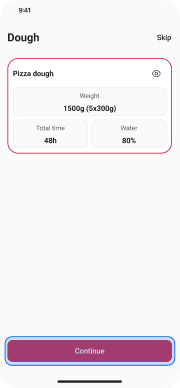
Tap “Continue”
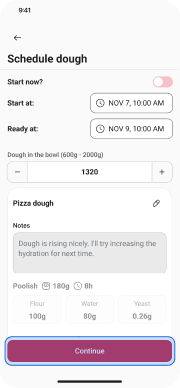
Tap “Continue”
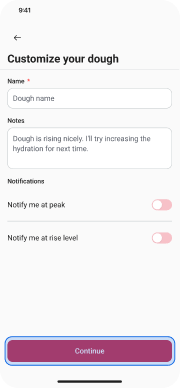
Tap “Continue”
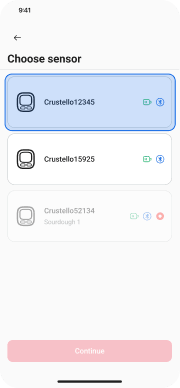
Tap on a sensor card
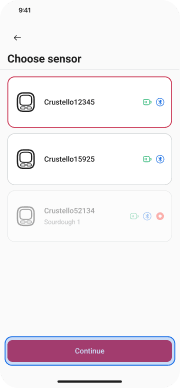
Tap “Continue”
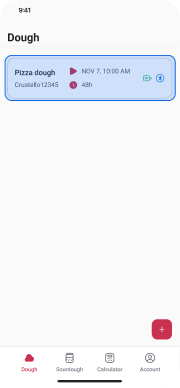
Tap on a sensor card
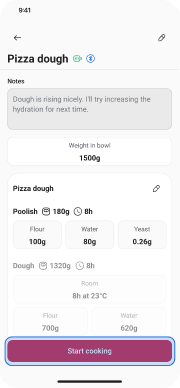
Tap “Start cooking”
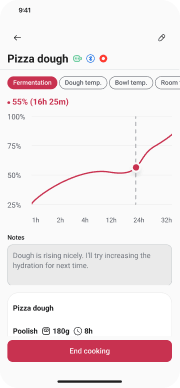
How to start Dough cooking without a recipe?
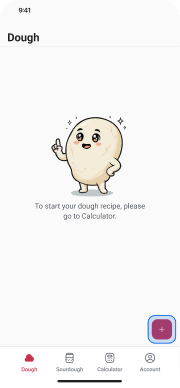
Tap “+”
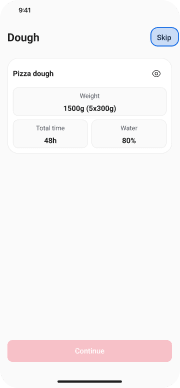
Tap “Skip”
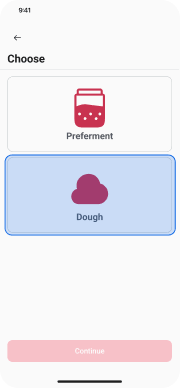
Tap “Dough”
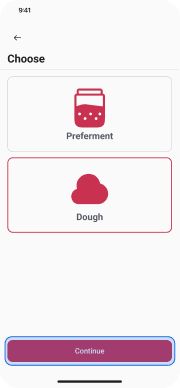
Tap “Continue”
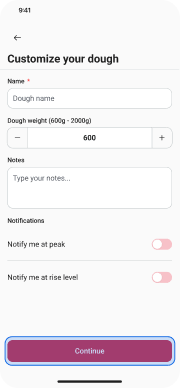
Tap “Continue”
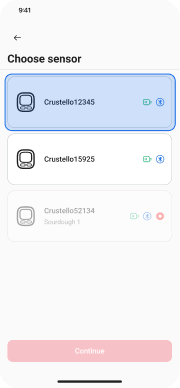
Tap on a sensor card
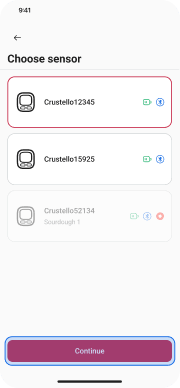
Tap “Continue”
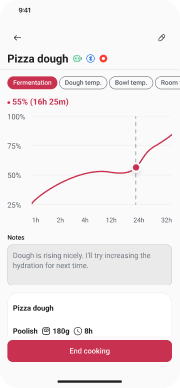
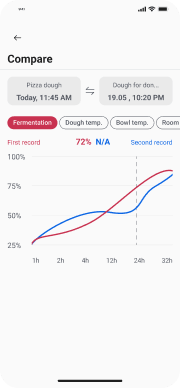
How to compare recordings?
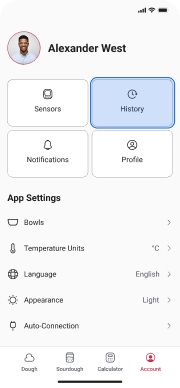
Tap “History”
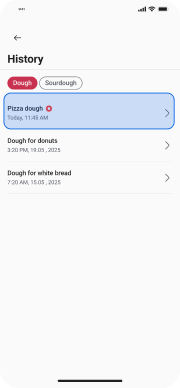
Tap on a history card
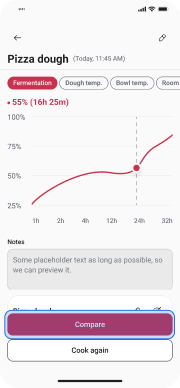
Tap “Compare”
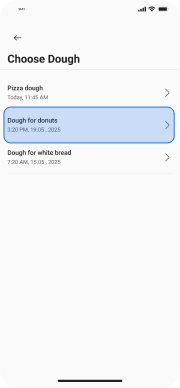
Tap on a history card
How to start Sourdough recording?
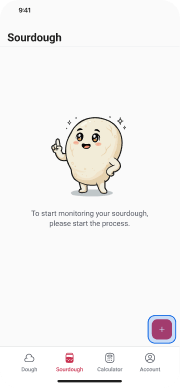
Tap “+”
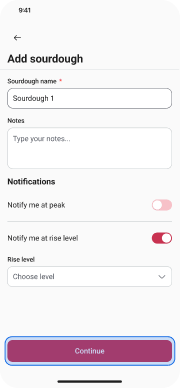
Tap “Continue”
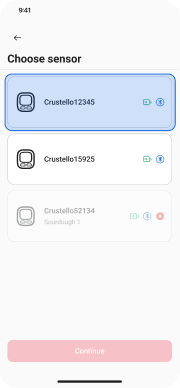
Tap a sensor card
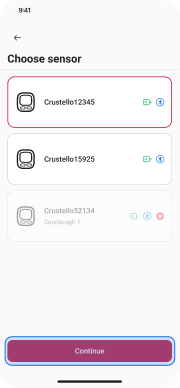
Tap “Continue”
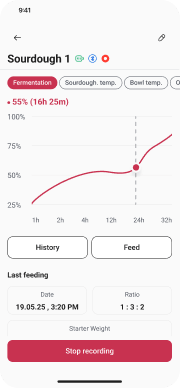
How to create a profile?
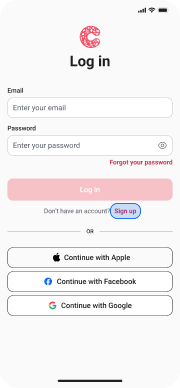
Tap “Sign up”
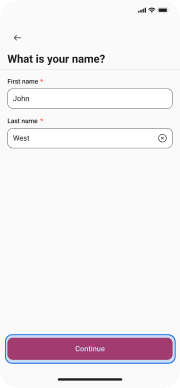
Tap “Continue”
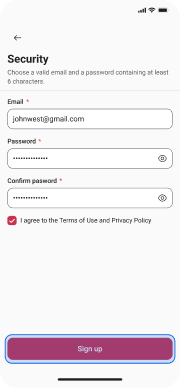
Tap “Sign up”
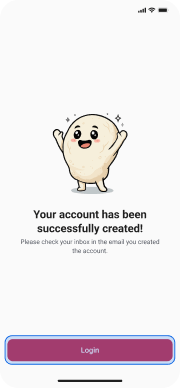
Tap “Login”
How to upload a profile image?
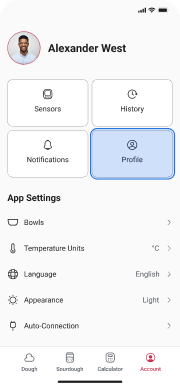
Tap “Profile”
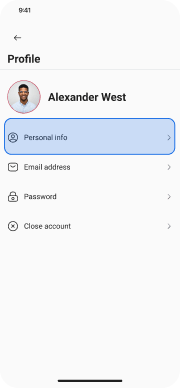
Tap “Personal info”
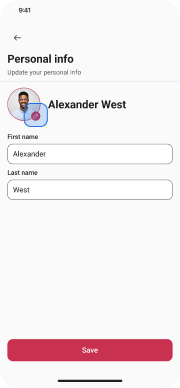
Tap the Edit icon
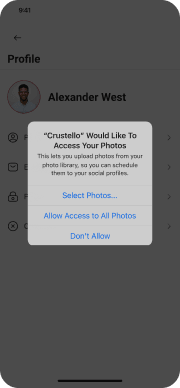
Allow Access to your Photos
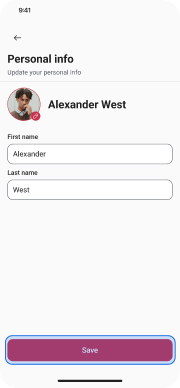
Tap “Save”
How to update profile info?
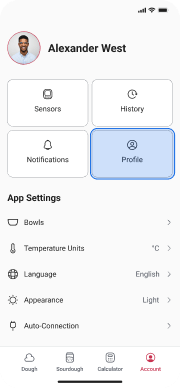
Tap “Profile”
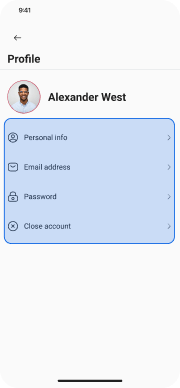
Choose any option to update your info
How to add and delete a custom bowl
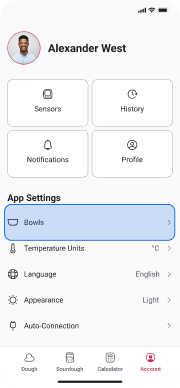
Tap “Bowls”
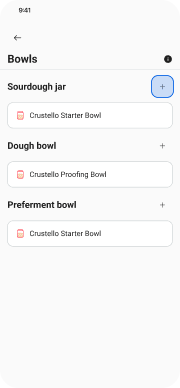
Tap the Add icon
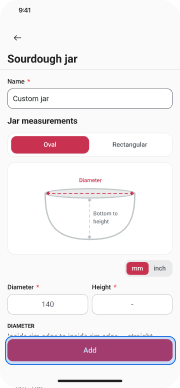
Tap “Add”
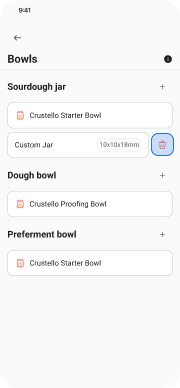
Tap the Delete icon
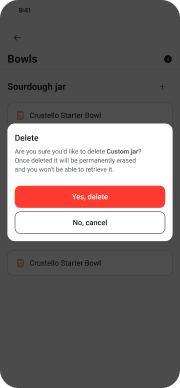
Tap “Yes, delete”
How to configure a custom bowl
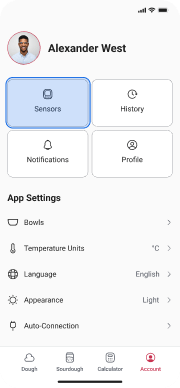
Tap “Sensors”
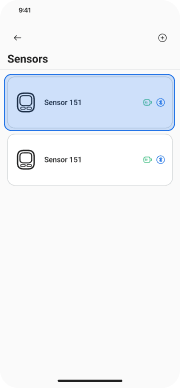
Choose a sensor
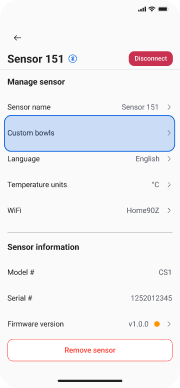
Tap “Custom bowls”
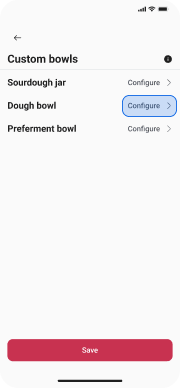
Tap “Configure”
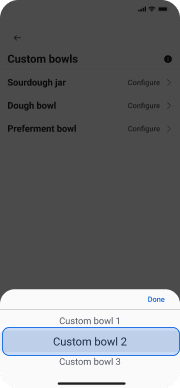
Choose a custom bowl